Changelog

A new home screen, and tabs that remember

A home screen built around the conversation, and tabs that stay pinned, keep their order, and follow you between windows.

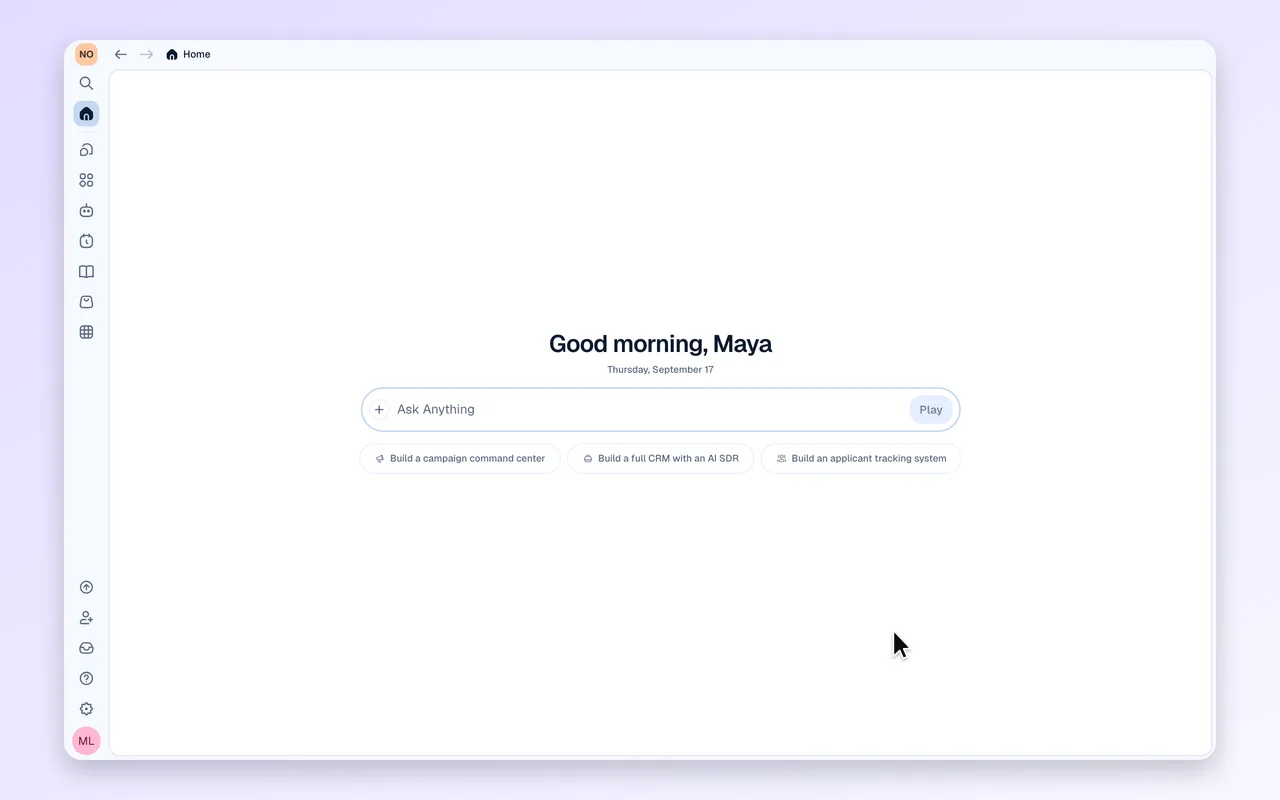
Your home screen is the conversation

Home now opens with a greeting, the composer front and centre, and three starter suggestions; the same composer follows you into the chat.
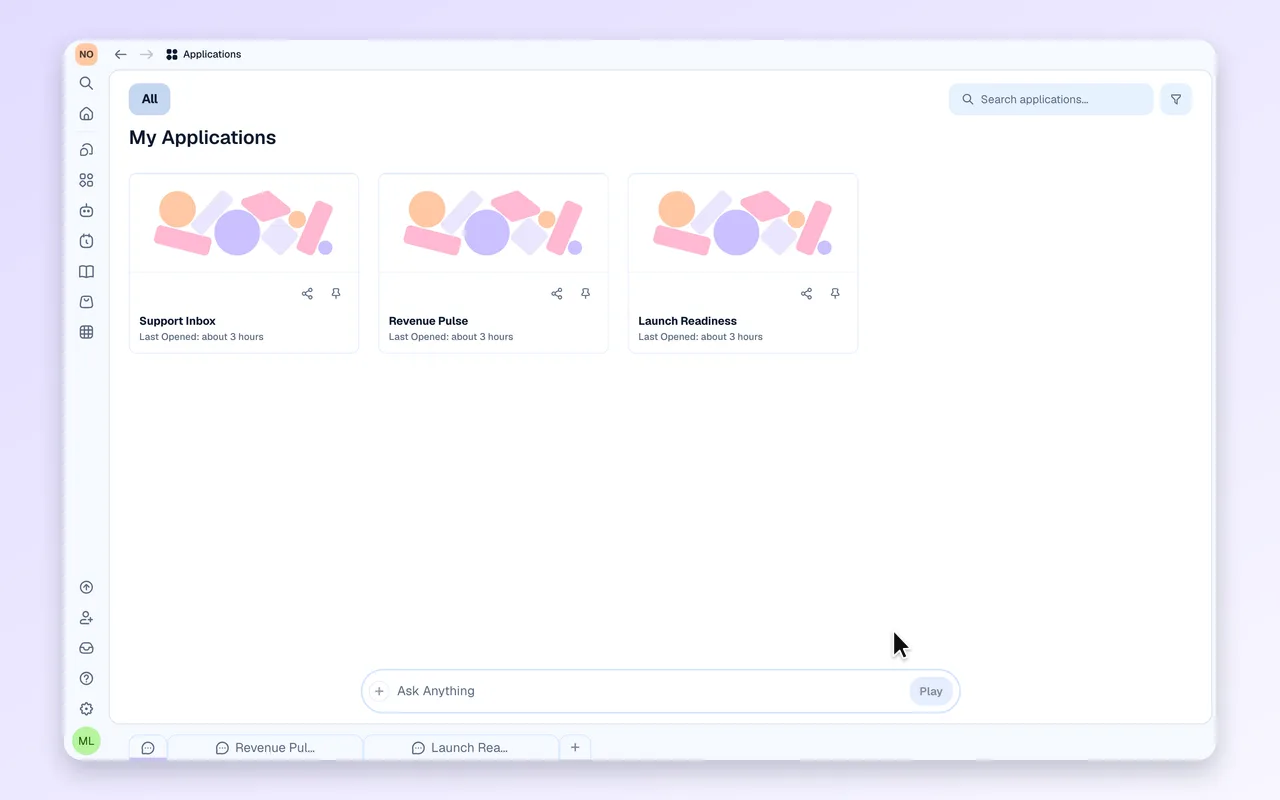
Tabs that stay where you put them

Pinned tabs stay on the left, your tab order is remembered per workspace and shared across windows, and closing a tab lands you on its neighbour.

Also in this release

  • Empty Chats, Apps, Co-workers and Tasks panels now guide you with starter prompts and a create action that asks the right questions first
  • Copy any of your messages from the hover row beside Edit
  • Apps opened directly carry Refresh, Advanced tools and Invite in the top bar, same as in chat
  • One App tools menu on the app tab shows connected tables or app actions
  • Switching workspaces no longer reloads the page
  • If your workspace already pays monthly or yearly, the other cycle explains how to change it and links straight to subscription management
  • Integration keys are checked with the provider before they are saved
  • Tasks respect the runs included in your plan and say so when you are at the limit
  • The composer stays editable and Stop stays available while an answer is on its way; new chats open instantly and nothing you type is lost
  • The chat column stays centred on wide screens